

Stop Using ChatGPT for Everything: Best AI Study Tools for College (2026)

It's 2 AM. You have 120 pages of textbook reading left, a brutal problem set due, and an exam at 9 AM.
If your current strategy is pasting everything into ChatGPT and praying for a decent summary, I have been that person. More than once. The summaries were fine. My grades were... less fine.
ChatGPT is a solid AI study buddy for explaining ideas. It is not the best AI for studying for every job. Specialized tools beat a general chatbot when you need grounded PDFs, peer-reviewed sources, real math steps, or flashcards that stick.
I spent a semester mixing these into my workflow. Here is what actually helped-without pretending one app will magically make you love organic chemistry.
Quick Answer: What Is the Best AI for Studying?
There is no single winner. Pick by problem:
- Massive PDFs and lecture dumps: NotebookLM
- Research paper sources: Consensus (plus Perplexity for broader web facts)
- Math, physics, chemistry equations: Wolfram Alpha
- Fast answers with citations: Perplexity AI
- Flashcards and long-term memory: RemNote
- Explaining messy concepts out loud: ChatGPT, Claude, or Gemini
If you only bookmark one specialized tool this week, start with NotebookLM for readings or Wolfram Alpha if STEM homework is eating your soul.
When your notes live in awkward PDF scans, converting them into something editable first can help-see PDF to Word before you upload a blurry scan and hope for miracles.
5 Better AI Study Tools Than ChatGPT Alone
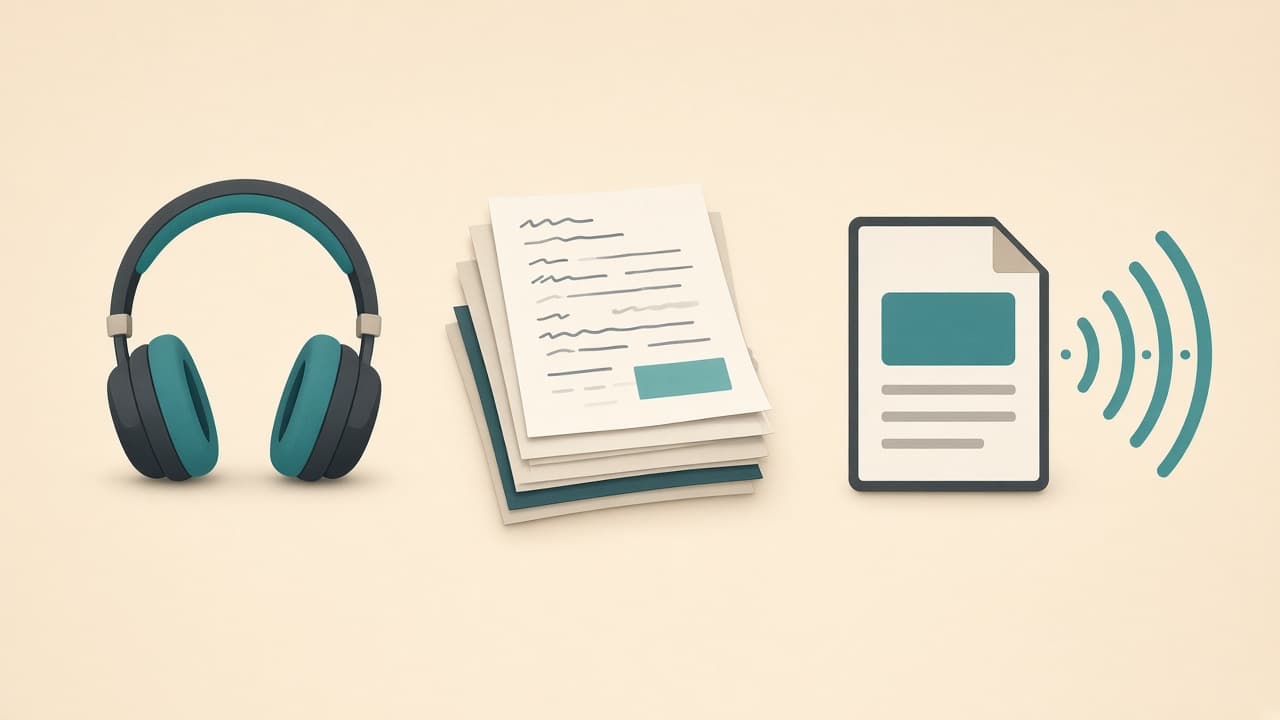
1. NotebookLM - Turn Dry PDFs Into a Study Podcast
I used to highlight textbooks until the page looked like a crime scene. Then I uploaded the same chapter into NotebookLM and let it build a private notebook from my files only.
The outcome that matters: it answers from your sources, not from random internet vibes-so you get fewer confident-sounding hallucinations about "Chapter 7."
The viral move is Audio Overview: two AI hosts banter through your material like a surprisingly good podcast. I listen while packing a bag or walking to class. Auditory learners, this is your cheat code (still legal).
Pros:
- Grounded in files you upload
- Study guides, quizzes, and Q&A from the same notebook
- Audio Overview for commuting / low-energy review
Cons:
- Quality depends on what you upload (garbage syllabus in, garbage podcast out)
- Not a substitute for reading when exams test close details
- Feature availability can change with Google's product updates
How I use it:
- Upload lecture PDFs, slides, and my own notes.
- Ask for a study guide with section headings matching the syllabus.
- Generate an Audio Overview the night before a midterm.
- Quiz myself from the notebook-not from memory of the podcast alone.
Using only the sources in this notebook, create a one-page study guide for
[exam topic]. Use headings that match the syllabus. Flag anything the sources
do not cover clearly. Then give me 10 quiz questions with short answers.
Try it: NotebookLM
2. Consensus - Peer-Reviewed Answers Without Scholar Roulette
Writing a paper and doom-scrolling Google Scholar until your eyes melt? Same.
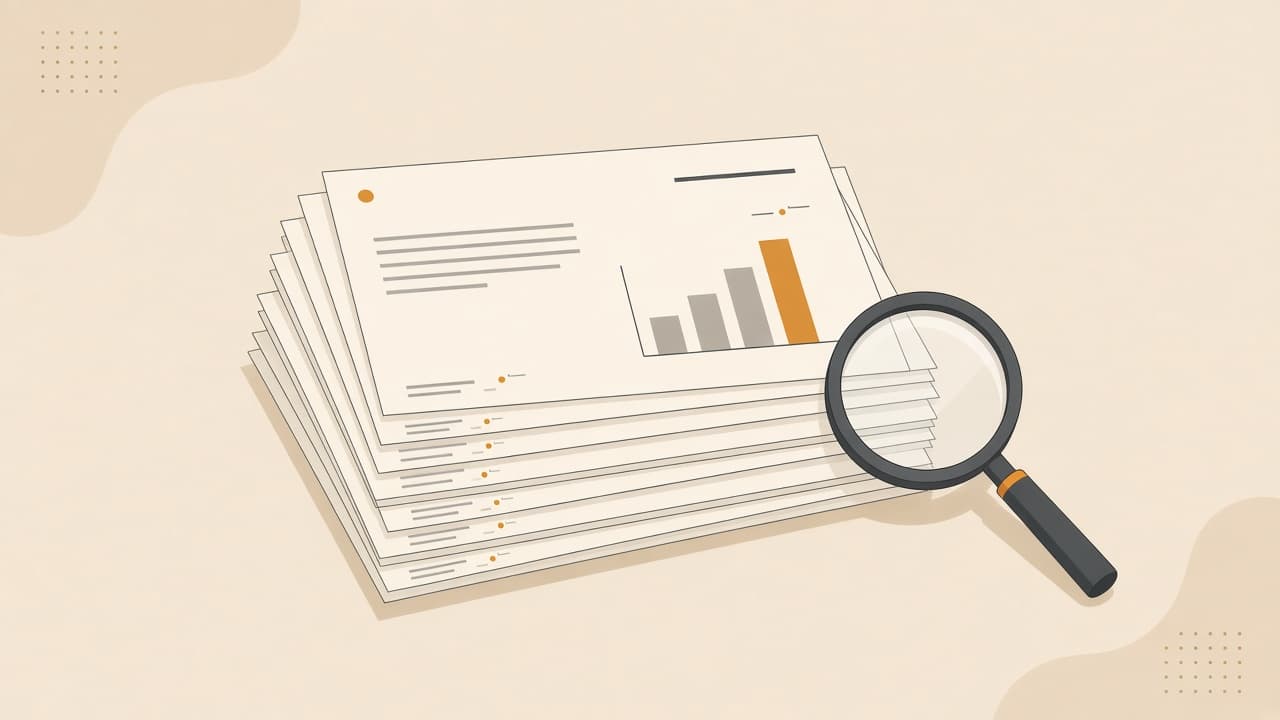
Consensus is built around scientific papers. You ask a research-style question and get a synthesis with citations instead of a vibes-based paragraph. I use it when I need to know what the literature actually leans toward-not what a random blog claims at 1 AM.
The outcome that matters: faster path from "vague claim" to "papers I can actually cite."
Pros:
- Oriented toward peer-reviewed literature
- Helpful for finding the "scientific consensus" angle on a claim
- Citations you can open and verify
Cons:
- Less useful for humanities topics outside its paper coverage
- You still must read the papers you cite
- Not a free pass on methodology or study quality
Prompt-style query I reuse:
Does [intervention / habit / factor] improve [outcome] in [population]?
Summarize the direction of evidence and list key papers I should open first.
Try it: Consensus
3. Wolfram Alpha - When ChatGPT Does Math Like It Is Guessing
I love chat models. I do not trust them blindly on multi-step calculus when my GPA is on the line.
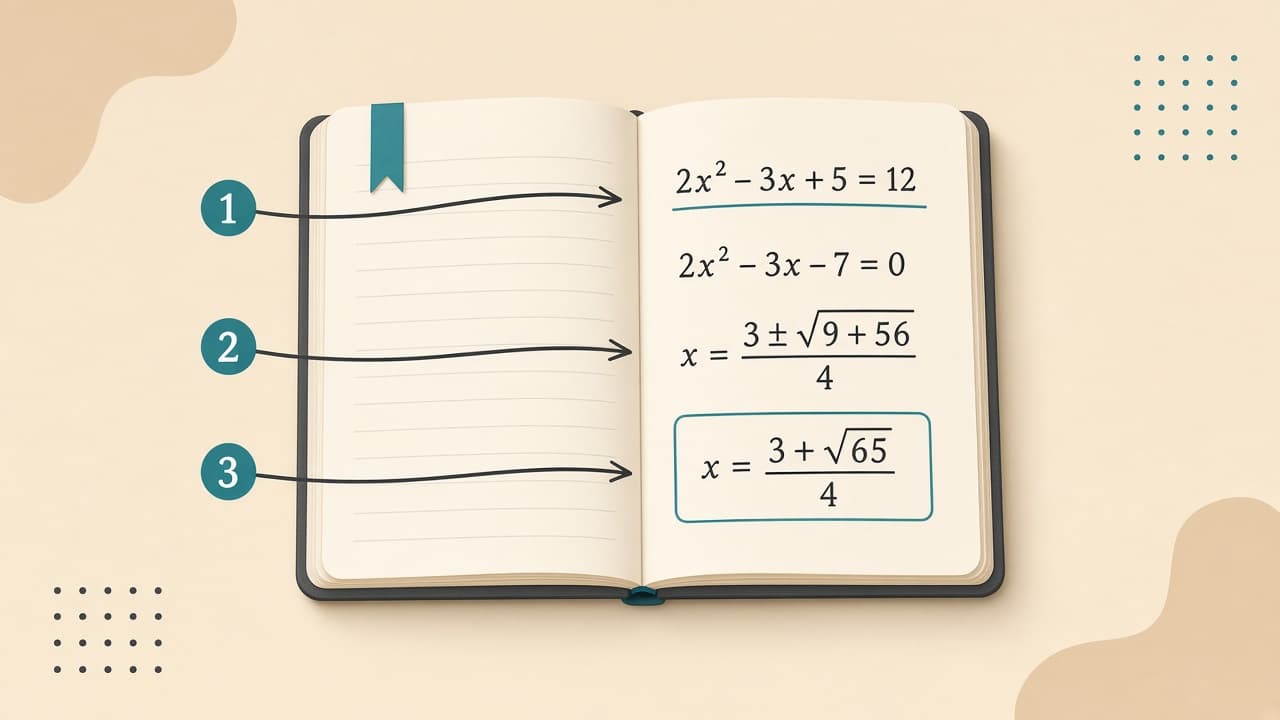
Wolfram Alpha is a computational engine. Paste an equation and you often get a step-by-step breakdown instead of a shrug dressed up as confidence. For physics and chemistry problem sets, that difference is the whole game.
The outcome that matters: you learn the method, not just a final number you cannot defend on a proctored exam.
Pros:
- Strong for math, physics, and many STEM computations
- Step-by-step solutions (where available on your plan)
- Less "creative arithmetic" than text-only chatbots
Cons:
- You still need to understand the setup of the word problem
- Interface feels less chatty than ChatGPT
- Some step-by-step features sit behind paid tiers
Workflow that stuck for me:
- Attempt the problem once myself.
- Check the algebra / integral / unit steps in Wolfram Alpha.
- Close it and solve a similar problem cold.
That third step is where the grade comes from. Sorry.
Try it: Wolfram Alpha
4. Perplexity AI - Search That Shows Its Work
Standard search dumps links. Standard chatbots sometimes invent sources with very official-looking titles.
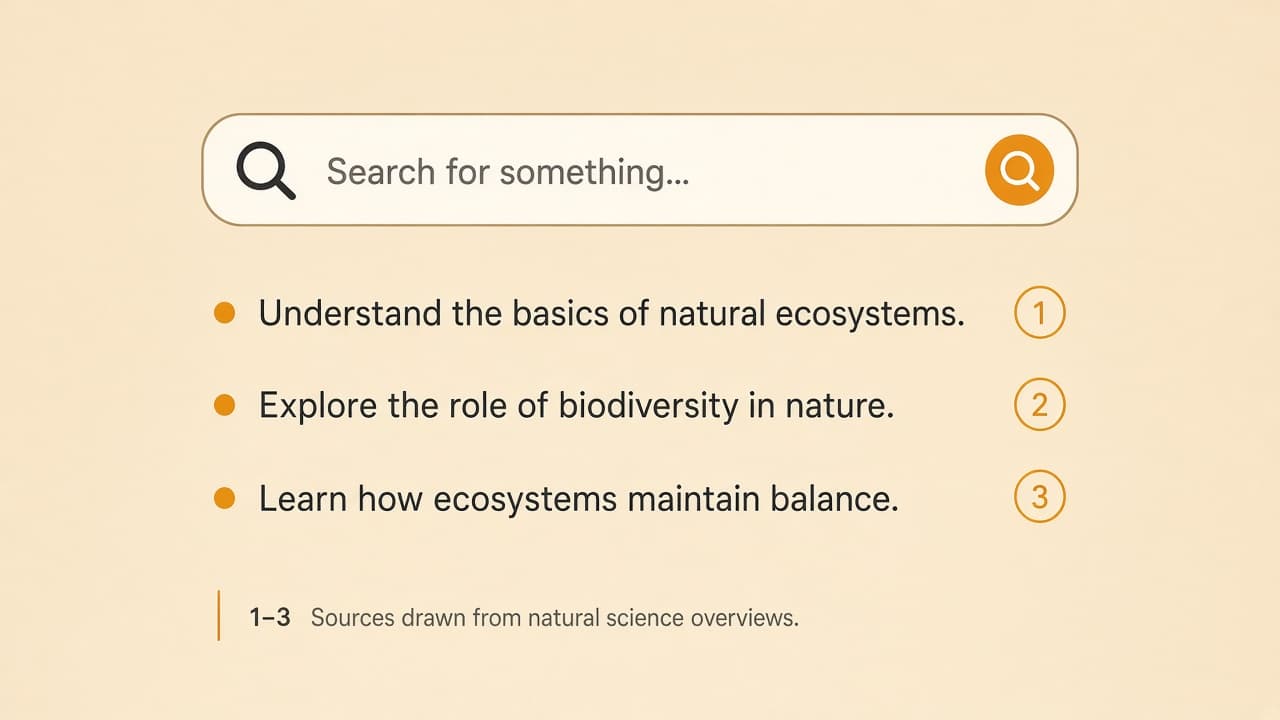
Perplexity sits in the middle: ask a question, get a short synthesis, and footnoted sources you can click. I use it when I need a quick, current overview-campus policy changes, definition checks, or background before I dig into textbooks.
The outcome that matters: fewer tab explosions, more "here is the answer and where it came from."
Pros:
- Live web retrieval with visible citations
- Great for rapid fact-checking and background research
- Cleaner than raw search when you need a starting summary
Cons:
- Sources can still be uneven-open the good ones
- Not a replacement for course readings
- Easy to over-trust a tidy paragraph
Explain [concept] for a college student in [course]. Give a short plain-language
summary, then list 3 reputable sources with why each is useful. Flag uncertainty.
Try it: Perplexity
5. RemNote - Flashcards That Show Up Before You Forget
For Pre-Med, Law, Biology, languages-anywhere memory is the sport-active recall wins. RemNote turns structured notes into flashcards and uses spaced repetition so cards reappear right when your brain is about to yeet them into the void.
I stopped making "pretty notes" I never reviewed. I started making ugly cards I actually saw again.
The outcome that matters: memorization becomes a system, not a Sunday panic.
Pros:
- Notes and flashcards in one flow
- Spaced repetition built in
- Excellent for definition-heavy and process-heavy courses
Cons:
- Learning the formatting shortcuts takes a weekend
- Over-carding everything creates review debt
- Not ideal as your only tool for essays or problem sets
How I keep decks sane:
- One concept per card
- Cloze deletions for processes ("___ pumps sodium out of the cell")
- Cap new cards on busy weeks so reviews stay finishable
Quizlet can fill a similar niche if your classmates already share decks. RemNote won for me because the notes-to-cards loop was tighter.
Try it: RemNote
Which AI Study Tool Should You Pick Right Now?
| If your problem is... | Use this tool | Because it... |
|---|---|---|
| Massive textbook chapters / lecture PDFs | NotebookLM | Turns your sources into guides, quizzes, and audio overviews |
| Stuck on a math / physics / chem formula | Wolfram Alpha | Breaks down computational steps you can relearn |
| Finding sources for a research essay | Consensus | Surfaces peer-reviewed literature around a claim |
| Rapid fact-checking with links | Perplexity AI | Synthesizes live web results with citations |
| Memorizing terms and processes | RemNote | Automates flashcards + spaced repetition |
| Untangling a confusing concept | ChatGPT / Claude / Gemini | Explains, quizzes, and brainstorms interactively |
Do not install all six tonight. Pick one bottleneck, run it for a week, then add the next tool.
If you later need clean prompts for work emails and planning after graduation, the same prompt discipline shows up in ChatGPT prompts for work. And if you ever turn study notes into a short explainer video, compare options in best AI video generators.
Copy-Paste Prompts for ChatGPT and Claude
Specialized tools win specific races. Chat models still win at conversation. These are the prompts I reuse as an AI study buddy-strict, quizzy, and allergic to fluff.
Socratic tutor (do not just give the answer)
Act as a strict Socratic tutor for [course]. I am studying [topic]. Ask me one
question at a time. Wait for my answer. If I am wrong, give a hint-not the full
solution. After 8 questions, summarize what I still need to review.
Explain like I am tired but not five years old
Explain [concept] in plain language for a college student who already knows
[related basics]. Use one analogy, then a precise definition, then a 3-bullet
"common mistakes" list. Do not invent course-specific facts I did not provide.
Essay feedback without rewriting my voice
Critique this draft for clarity, argument structure, and missing evidence.
Do not rewrite the whole essay. Give: (1) 5 specific strengths, (2) 5 fixes
ranked by impact, (3) questions I should answer before the next draft.
Text:
[paste draft]
One-question-at-a-time quiz
Quiz me on [topic] using only the notes below. Ask one question at a time.
Score each answer briefly. End with a weak-spots list.
Notes:
[paste notes]Ethical AI Use (So You Do Not Get Wrecked)
Using the best AI tools for college students still means following your syllabus. My simple rules:
- Learn with AI. Submit your own work. Drafting help and tutoring are different from turning in AI-written essays.
- Cite what you use. If a tool pointed you to a paper, open it and cite the paper-not "the AI told me."
- Do not paste confidential or proprietary material into random tools unless your school explicitly allows it.
- Check course policy. Some classes ban generative AI; some allow it with disclosure. Guessing wrong is an expensive hobby.
- Verify STEM answers on a second method before you assume you are exam-ready.
AI can cut busywork. It cannot sit your exam for you. That is still your shift.
Final Checklist: Build a Study Stack That Works
- I picked one bottleneck (readings, math, research, facts, or memory).
- I matched it to one tool from the table above.
- I uploaded or entered my course materials where grounding matters.
- I saved at least one copy-paste tutor prompt I will actually reuse.
- I verified citations and STEM steps instead of trusting tidy answers.
- I checked my syllabus for AI rules before submitting anything.
- I scheduled a short review block (flashcards or quiz) within 24 hours.
Final Verdict
The best AI for studying in 2026 is a small stack, not a single app.
If you are drowning in PDFs, open NotebookLM. If equations are bullying you, use Wolfram Alpha. If the paper needs real literature, start with Consensus. If you need cited web answers fast, use Perplexity. If you forget everything by Thursday, let RemNote run spaced repetition.
ChatGPT still has a seat at the table-just not every seat.
Work smarter, review on purpose, and maybe-just maybe-get more than three hours of sleep before the midterm.
Frequently Asked Questions
What is the best AI for studying in 2026?
It depends on the bottleneck. NotebookLM is strong for readings and audio overviews, Consensus for peer-reviewed research, Wolfram Alpha for STEM problem steps, Perplexity for cited web answers, and RemNote for flashcards with spaced repetition.
Is ChatGPT good for studying?
Yes as a general tutor for explanations, brainstorming, and practice quizzes. For PDFs grounded in your sources, math step-bys, scientific consensus, or spaced-repetition flashcards, specialized tools usually outperform a chat-only workflow.
What is the best free AI homework helper?
Many students start with free tiers of NotebookLM, Perplexity, Wolfram Alpha, and ChatGPT or Gemini. Limits and features change, so check the current free plan before relying on one tool for an entire semester.
Can AI tools help me memorize faster?
Yes when you use active recall and spaced repetition. RemNote (and similar flashcard apps) turn notes into cards and resurface them before you forget. AI can also write quiz questions, but you still have to answer them yourself.
Is using AI for studying considered cheating?
Policies vary by school and class. Using AI to understand material, quiz yourself, or find sources is often allowed; submitting AI-written work as your own usually is not. Check your syllabus and cite sources you use.
Related posts
- ComparisonOct 27, 2026 · 15 min read
Best AI Tools in 2026: Top 10 Worth Your Time (Not Your Entire Wallet)
A first-person guide to the best AI tools in 2026-ChatGPT, Claude, Gemini, Perplexity, Midjourney, Copilot, Canva, Runway, ElevenLabs, and NotebookLM-matched to real jobs.
- ComparisonOct 24, 2026 · 14 min read
iPhone Duo: Price, Features, Specs & Is It Worth It?
Apple's first foldable iPhone opens like a tiny tablet and starts at $1,999 in the US. Here is what the specs mean, and who should actually buy it.
- ComparisonOct 22, 2026 · 17 min read
Best AI Video Generator in 2026: 9 AI Tools That Turn Your Ideas Into Videos
Find the right AI video generator for cinematic scenes, AI presenters, marketing videos, or short-form social-without testing every tool first.